3DS Max material script
A tool that automates the setup of materials in 3ds max based on internal workflow and needs.
The tool lets the user open the texture browser on predefined location (in this case based on local/model specific textures or the shared texture library), this saves on clicks and navigation. The user only needs to find a suitable diffuse map for a model, the tool will then fetch all corresponding maps (normal, emission, metallic) if they are present/needed. The tool will assign all of these textures to correct material slots, place all the nodes neatly in the SME and assign the material to the selected object. Material name is set based on object and diffuse texture while all other nodes get their name based on connected bitmap names.
The tool sets material color to white by default, but has the ability to set this to any color. This can either be a custom RGB color set using the spinners, or using preset colors. For internal use this was provided with two full color sets: all RAL colors and JOTUN offshore colors as well as a custom file that the user can edit themselves. It is all read through text files so it is easy for the user to edit/add or remove preset colors. All colors are also previewed in the color window so the user can comrotably pick correct color before setting it.
The tool also features a lot of other QOL features based on internal workflow/needs and wants.
All in all this script has vastly reduced the amount of time spent on material assignments while also making most of the project's SME's more organized.
Written in Maxscript
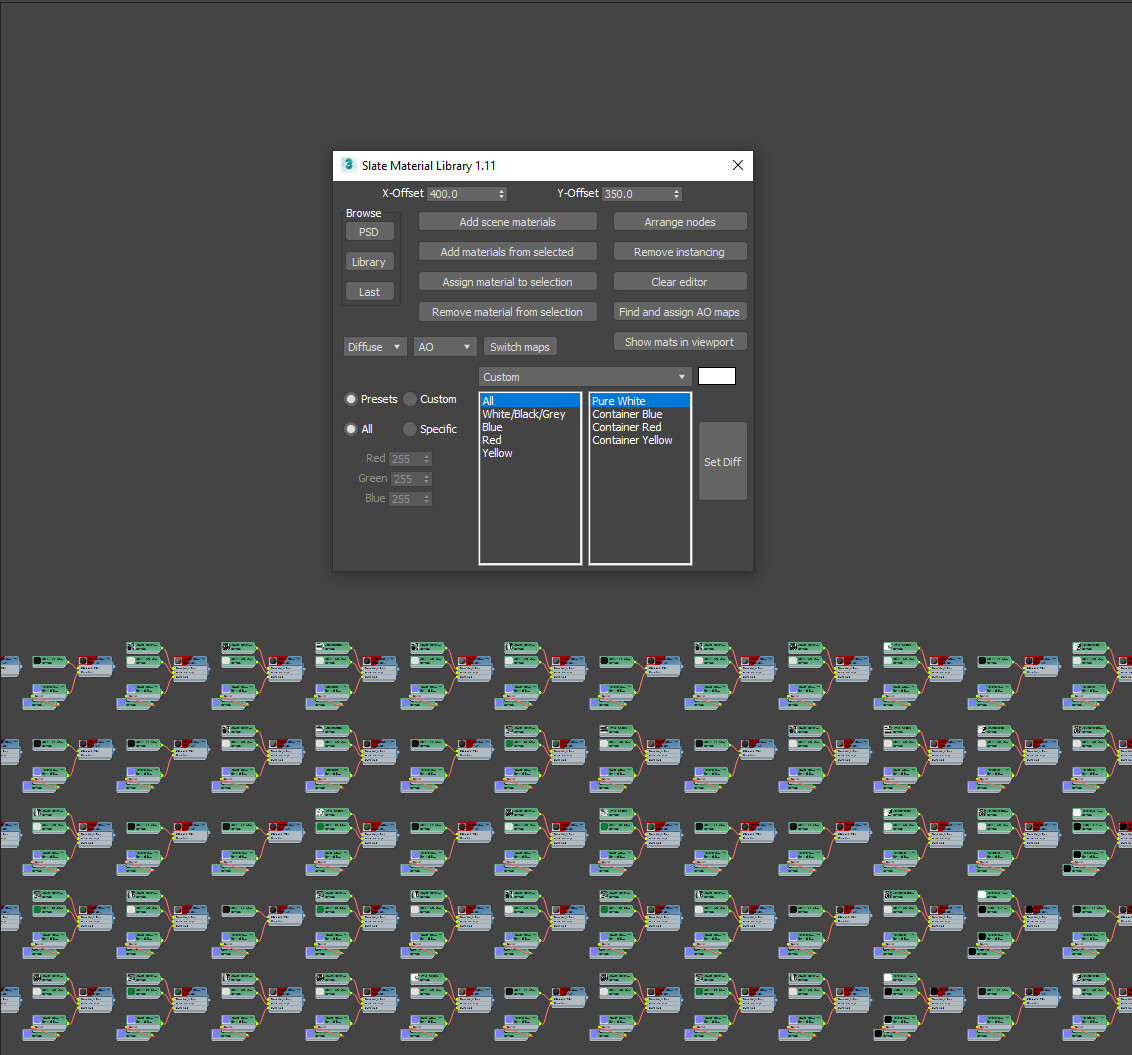
Tool UI and all materials in a complex scene laid out. All fetched using the tool. Full explenation of the tool in the description.